 Unwavering Soul
 Boss Fight For Eggs
 Bike For Animals Eggs🥚
 🍀 HATCH IT! X999999 OP MODZ
 PIXEL Warfare
 +1 Jump Crunchy Wax Escape!
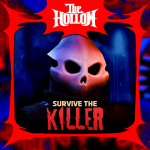 🔪Survive the Killer!
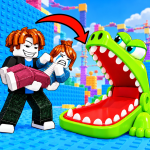 Troll Throwing Tower
 Paint the Anime
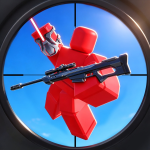 Spider Sniper!
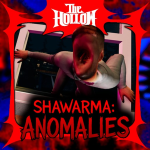 Scary Shawarma Kiosk: the ANOMALY [horror]
 [UPD🎃] Slash and Steal Pets
 +1 Build a Car 🚗
  Ride Level 1-100 Pets
Your game's icon counts down to the update.
Pick the time and design it once. RoSession changes your icon on Roblox at every stage, uploading each one early enough to clear Roblox's review, and puts your normal icon back when the update is live.
Free. No Roblox password or cookie.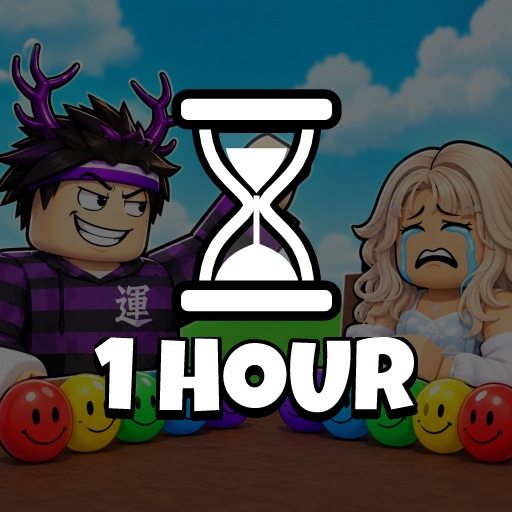
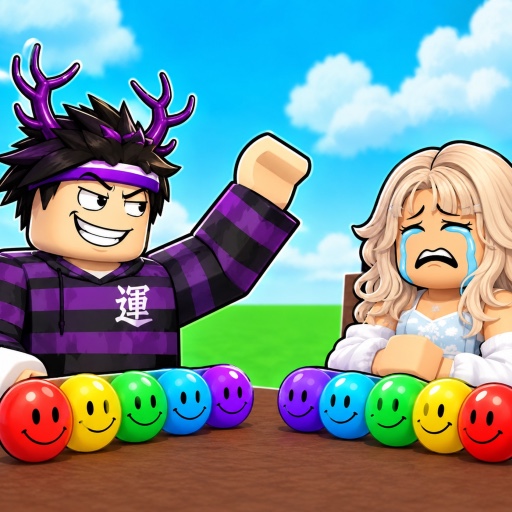 Before
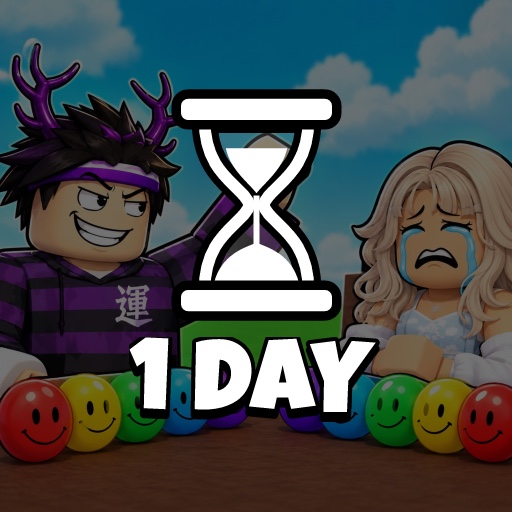 24h left
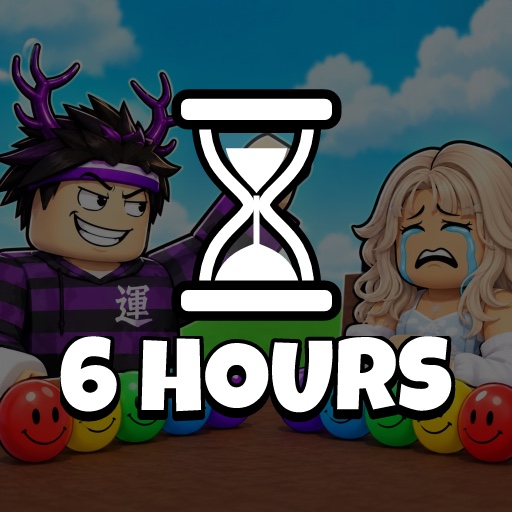 6h left
- 1h left
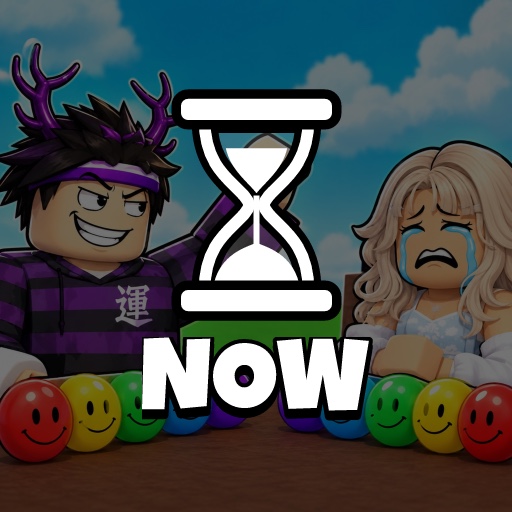 Update
Sign in with Roblox and paste your game's link. Session tracking is optional: skip it and go straight to the icon updater.
Make an Open Cloud key with one permission on that game. The page shows every setting in the Creator Dashboard.
Pick the stages, font and colours, check the schedule, and start. RoSession changes the icon from there.
Design it once
Your icon, darkened, with an hourglass and the time left on one line. Choose the font, the layout, the text and hourglass colours, an outline and an optional line above like UPDATE IN, or upload your own background. Every stage uses the same look.
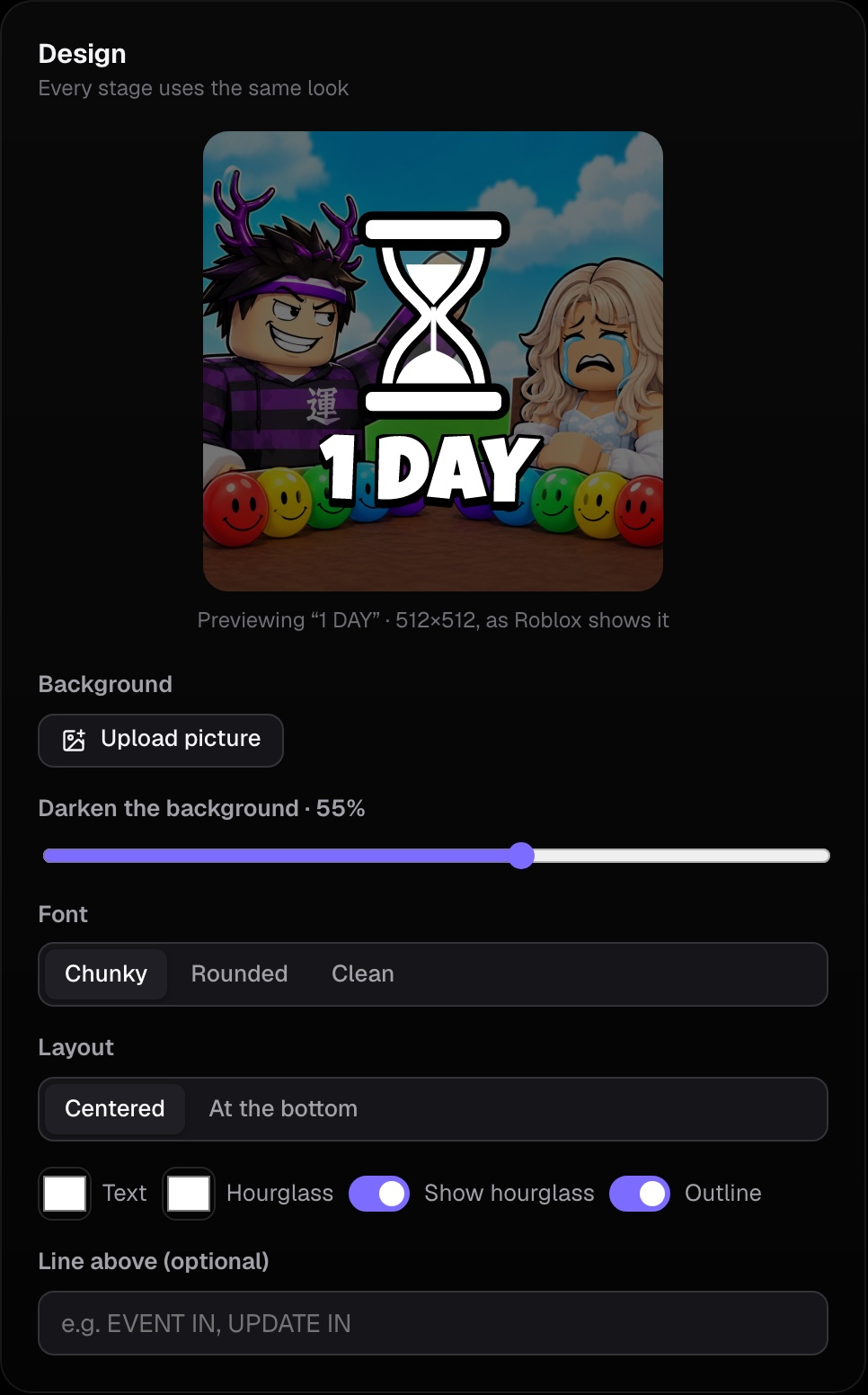
Any schedule
Start from 6 hours, 24 hours or 7 days, then change, add or remove stages: up to 20, each with its own text and time. Each one previews as you edit.
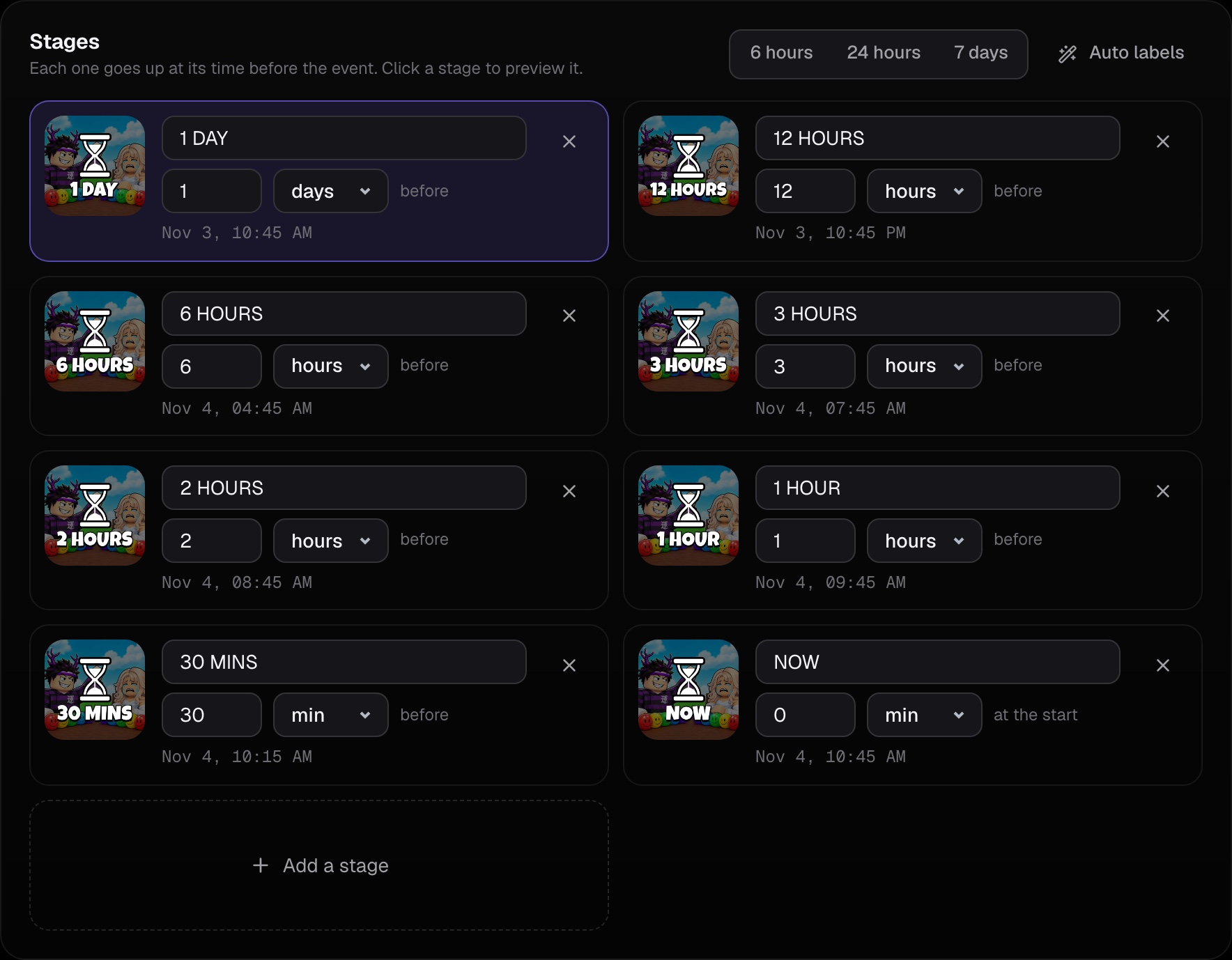
Every stage on time
Roblox reviews each new icon before players see it. RoSession uploads every stage early, waits longer when reviews for your game have been slow, and pauses if Roblox rejects an image so you can change it.
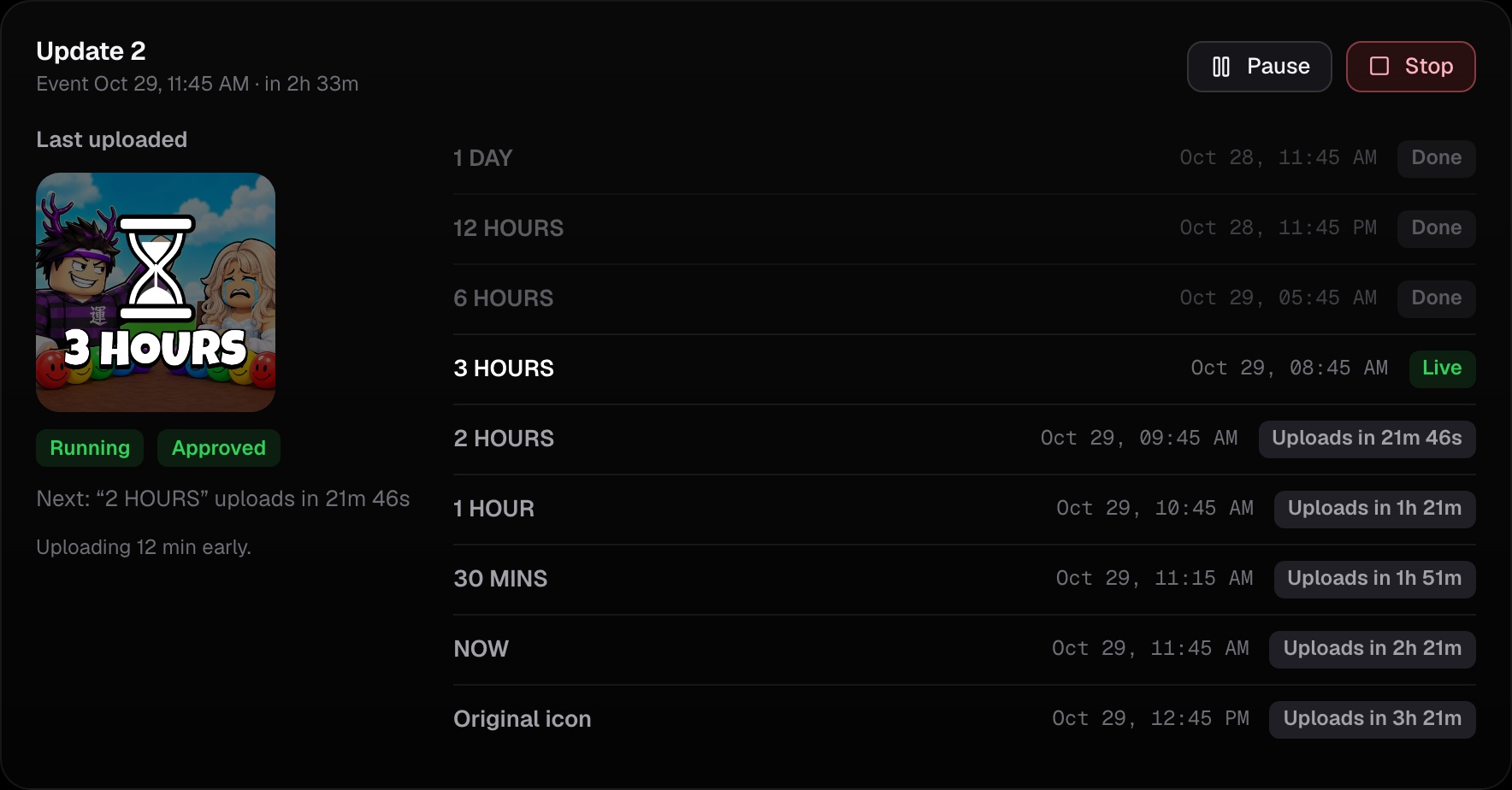
Check it before it starts
Before anything changes on Roblox, you see when each stage uploads and when it shows, in your own time zone. Stages that are already past are skipped.
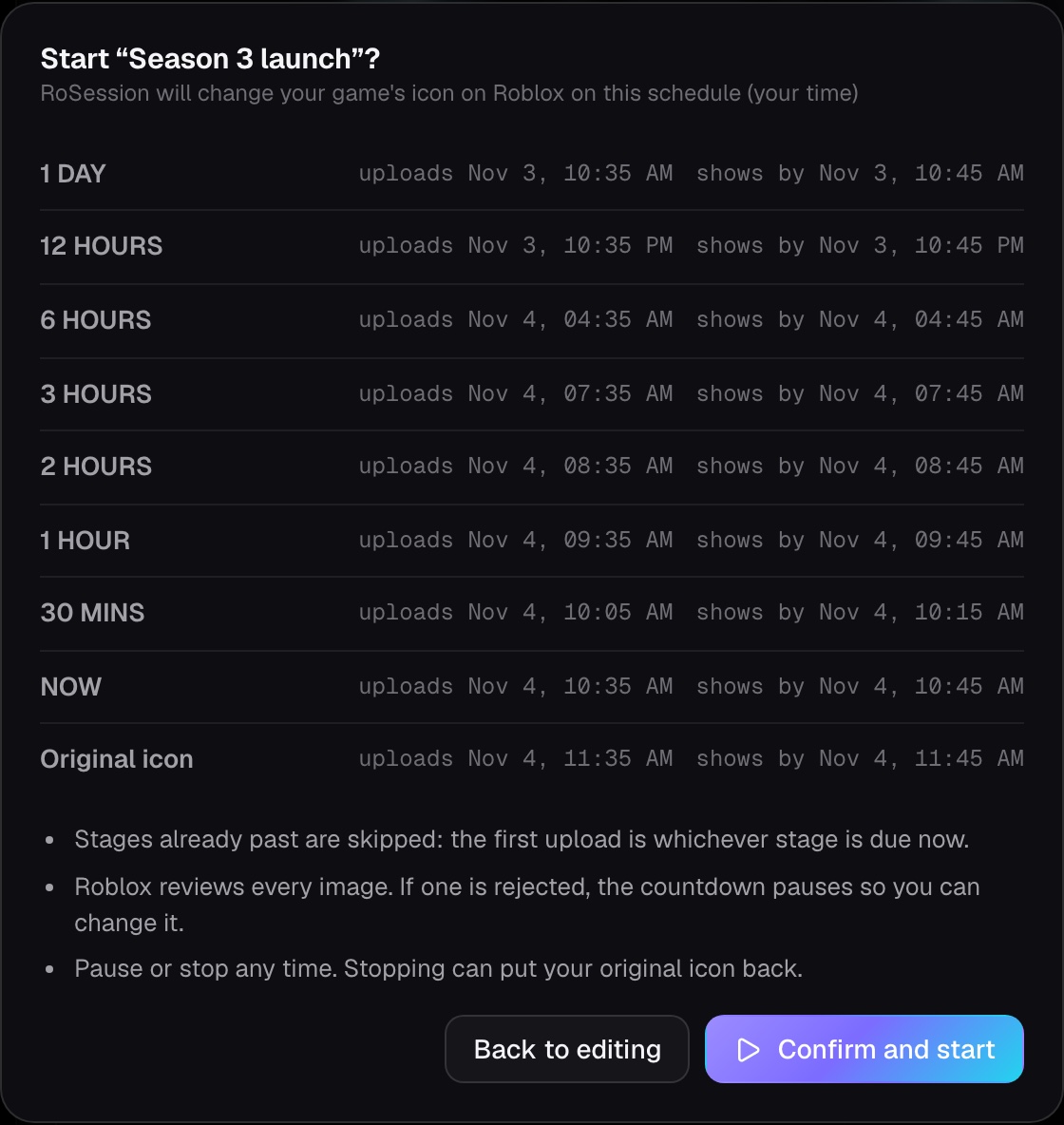
10 minutes early by default, up to an hour, and longer by itself when Roblox's reviews are slow.
When the update starts, an hour or a day later, or when you say. It returns at once, with no review.
The countdown goes up for every language players can choose on Roblox.
Change the stages or design while paused. Stopping puts your original icon back.
An Open Cloud API key you make and can delete on Roblox at any time, stored encrypted.
Every game you own: one countdown running at a time and two saved, no plan needed.
How it changes the icon without your password
Roblox lets an API key change a game's icon for every language except the game's main (source) language, and lets it change which language that is. So while a countdown runs, RoSession moves your source language to Sinhala, which players can't choose as their Roblox language, and puts each stage up as the icon for every language they can.
Your original icon stays where it was the whole time. When the countdown ends or you stop it, RoSession moves the source language back and your icon returns straight away, without another review. Machine translation of your game's name and description is paused while it runs, so they don't change.
Questions
Is it free?
Yes. Each game can run one countdown at a time and keep two saved. There's no plan to buy.
Does RoSession need my Roblox password or cookie?
No. You sign in with Roblox's own sign-in, and the icon changes go through an Open Cloud API key you make with one permission (legacy-universe:manage) on that game only. You can delete the key on Roblox whenever you like.
Do I have to set up session tracking?
No. Add your game by its link and go straight to the icon updater. You can add the RoSession module later if you want detailed stats.
Will players see anything odd?
No. Everyone sees the countdown in the language their Roblox is set to, and your game's name and description stay as they are. When the countdown ends, everything goes back to how it was.
What if Roblox rejects an image?
The countdown pauses and tells you which stage. Change the text or design, resume, and that stage goes up again.
Can I use it for a group's game?
Yes. Add the game on RoSession, and make the API key in the group's Creator Dashboard with an account that can manage its experiences.
Got an update coming?
Set up the countdown in a few minutes. It's free.