 PARANORMAL [HALLOWEEN]
 Experience Abstraction
 BEAR (Alpha)
 Facecard: Makeup Showdown (Junior) [<16]
 [HALLOWEEN] Titans Overdrive
 [HALLOWEEN] Marvel Omega
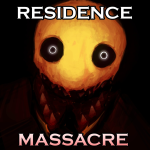 [🎃] Residence Massacre
 [LAST BREATH] Undertale Fractured Time
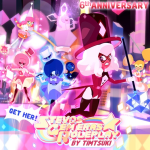 [BOSS FIGHT💗🌵] Stevos Gem Eras Roleplay
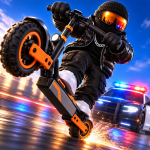 [FIXED] Scooter Gang [Testing]
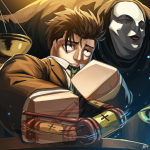 [🎃HALLOWEEN] Jujutsu Infinite
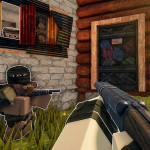 [🚂UPD] Fallen Survival🏹
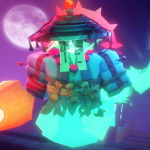 ☣️AREA 51 | Retro Tower Defense
 Get A Grip [BETA]
RoPro User Verification
Day by day
UTC daysRoSession updates this game's player count every hour, but keeps daily summaries only for the busiest games it tracks. This one isn't among them yet.
About
In order to grant access to certain account based features, RoPro requires verification of your Roblox user in its current installation. Currently, we accomplish this using a temporary 9 character Emoji verification code which you can generate in this experience! Controls: Copy Emojis - Highlight Emojis & press Ctrl + C on Windows | ⌘ Command + C on MacOS. Paste Emojis - Press Ctrl + V on Windows | ⌘ Command + V on MacOS. If copying Emojis is not working for you, you can access the Emoji Keyboard: ⊞ Windows Key + . Period on Windows | ⌘ Command + ⌃ Control + ␣ Spacebar on MacOS.
Source: RoSession tracked data, last updated Oct 23, 6:40 PM UTC. RoSession is not affiliated with Roblox.